Getting Started
Your first steps into a world of darkness and glory
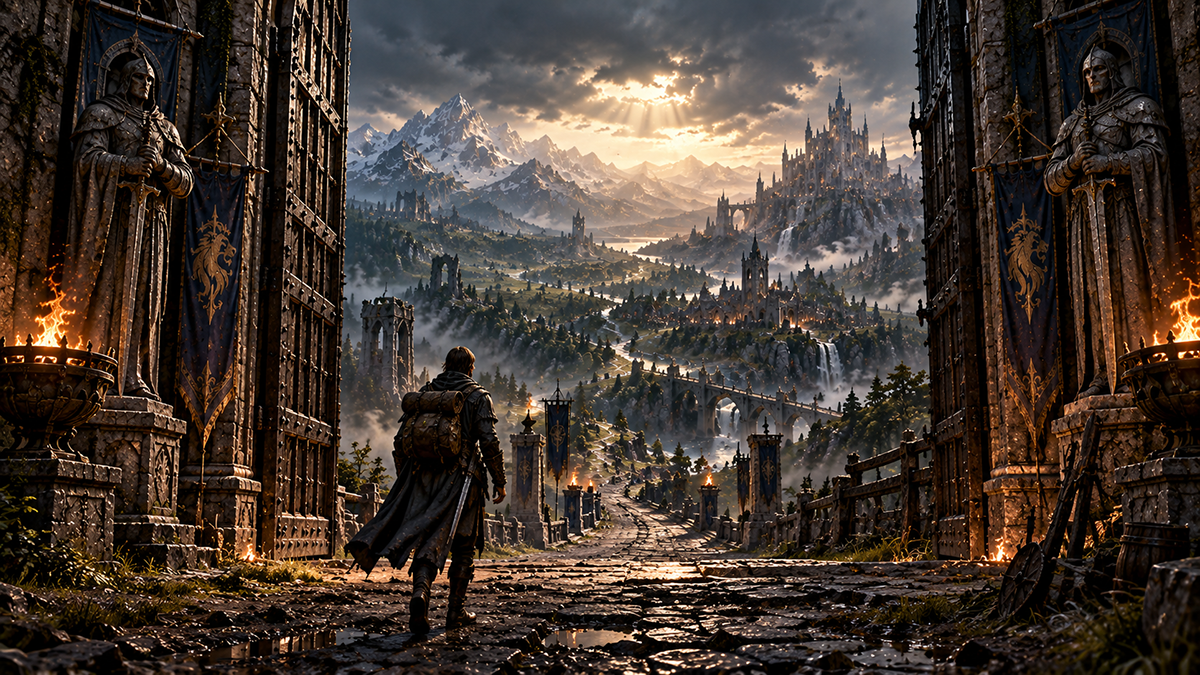
Before you can enter the realm you must create an account. Your account is your persistent identity across all characters and sessions.
- Visit the Registration page.
- Choose a unique username and a strong password.
- Submit the registration form.
- You will be logged in automatically on success.
Once your account is created you can log in at any time.
- Visit the Log In page.
- Enter your username and password.
- You will be redirected to your Dashboard on success.
Every account may have exactly one character. Character creation is a multi-step wizard where you define your character's identity.
- From your Dashboard, click Create Character.
- Choose a name — this is permanent and cannot be changed later.
- Select your race — your racial choice grants unique traits.
- Select your profession — determines your starting skills and playstyle.
- Choose a faction — Good or Evil; your faction determines allies, enemies, and PvP eligibility.
- Review all choices on the summary screen and confirm.
Several choices made during character creation are permanent and cannot be changed:
- Character Name — your name is forever bound to your character.
- Race — your racial traits are immutable.
- Profession — your starting profession defines your skill tree.
Take your time and choose wisely. These decisions will shape your entire journey through the realm.
Once your character is created you can enter the game directly through your browser.
Enter the realm directly in your browser — no download required.
Play NowA downloadable client (Evennia Atlas) will be available in the future. For now, all gameplay happens through the browser-based web client.
Once inside the game, try these basic commands to get oriented:
| Command | What It Does |
|---|---|
score or info | Display your character sheet |
inventory or i | See what you are carrying |
equipment or eq | View your equipped gear |
who | See who else is online |
look | Examine your surroundings |
help | Show the in-game help system |